Open-source robot runtime
Robot middleware that just works.
Typed messages over shared memory. Record and re-execute runs.
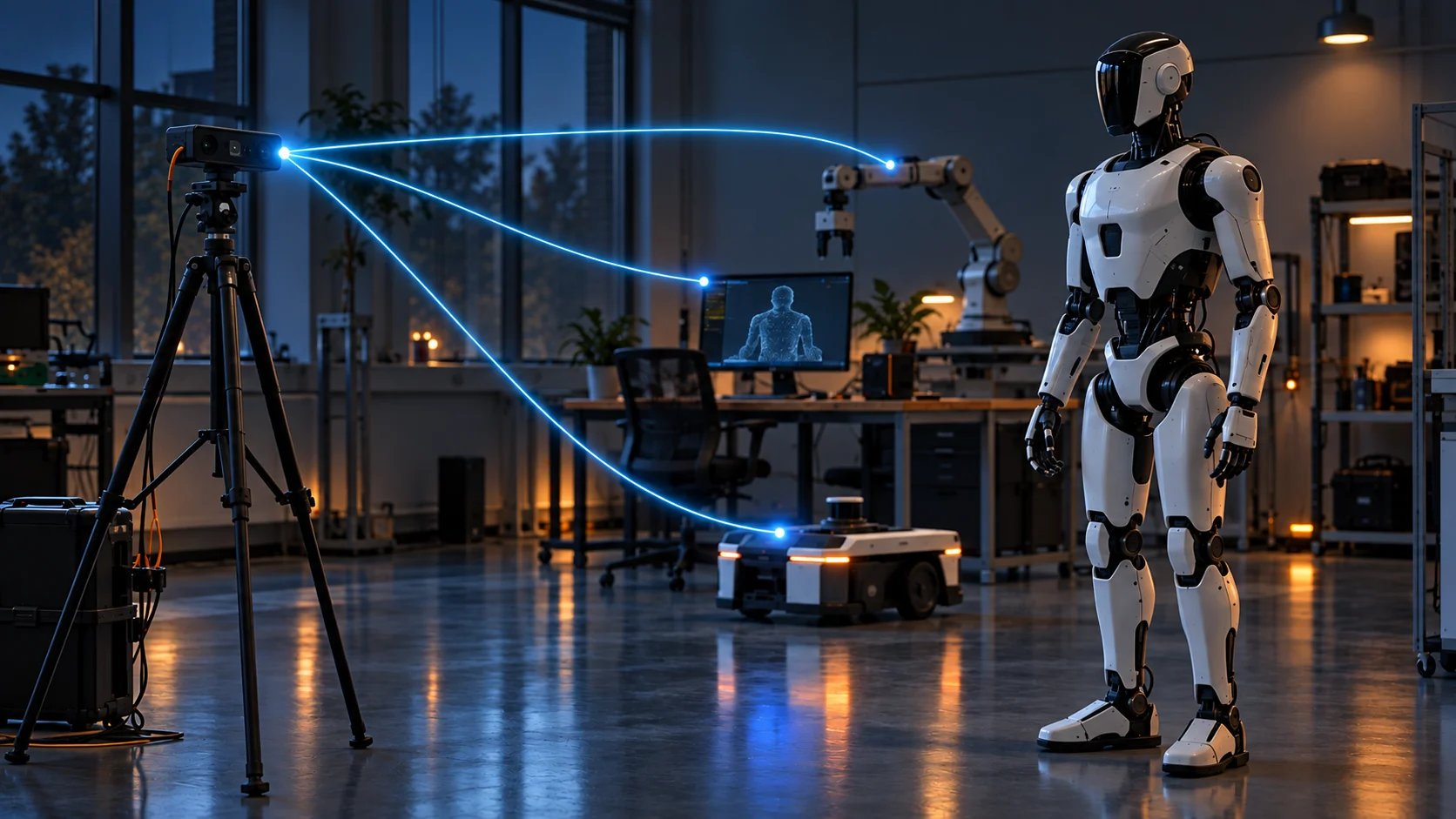
What Cerulion is
Cerulion is a Rust middleware for robotics and real-time systems. You compose your application as a graph of nodes that pass messages over zero-copy shared memory, and you build, wire, and run the whole thing through one CLI:cerulion.
It gives you the latency of raw shared memory with the ergonomics of a typed,
macro-driven node API. Runs are recordable to standard MCAP bags and
re-executable byte-for-byte, robots are viewable across the network by default,
and a live graph renders in Cerulion Studio as soon as you check a topic.
The CLI and runtime are open source.
Install the CLI and run the quickstart today.
Why teams use it
Zero-copy pub/sub
Nodes exchange messages over iceoryx2 shared memory. Reads and writes go
straight to the payload, with no serialization on the local hot path.
Record and re-execute
Record any run to a standard MCAP bag, then re-run your nodes against it and
verify the result matches the robot byte-for-byte.
Trigger policies
Decide when each node fires (periodic, data-triggered, synchronized, or
external) with per-node tick deadlines that warn loudly when missed.
Ergonomic node API
Define a node as a Rust struct with
#[cerulion_node]. Field attributes
declare ports; the macro rewrites self.<port> access into zero-copy
shared-memory reads and writes for you.Fault isolation by default
A live graph runs as one process per group in lockstep, so a crashed node
takes down its own group instead of the robot — with identical execution.
Works with ROS 2
254 built-in ROS 2 message types, and
cerulion ros2 attach bridges an
existing DDS robot’s topics into a Cerulion graph.Start here
Installation
Set up the Rust toolchain, get the
cerulion CLI, and verify it works.Quickstart
Build and run a complete two-node graph, then watch its messages with
topic echo.Concepts
Learn the mental model: workspaces, nodes, graphs, topics, and schemas.
Studio and Hindsight
The runtime is open source. Cerulion Studio and Hindsight are not — they are in early access: book 30 minutes with us to get access.Cerulion Studio
Early access. The desktop app you watch your robot in: live topics on a
stage, the running graph, and an agent dock.
Hindsight
Early access. Point it at a recording and find the moment the run went
sideways, with every claim cited to a topic and timestamp.
Build with the community