

What you’ll build
In this tutorial you build a complete two-node graph:- A periodic publisher (
sensor) that emits asensor_msgs/Imageon a fixed interval. - A data-triggered consumer (
detector) that fires each time a new image arrives and publishes ageometry_msgs/PoseStampeddetection.
cerulion topic echo in a second terminal.
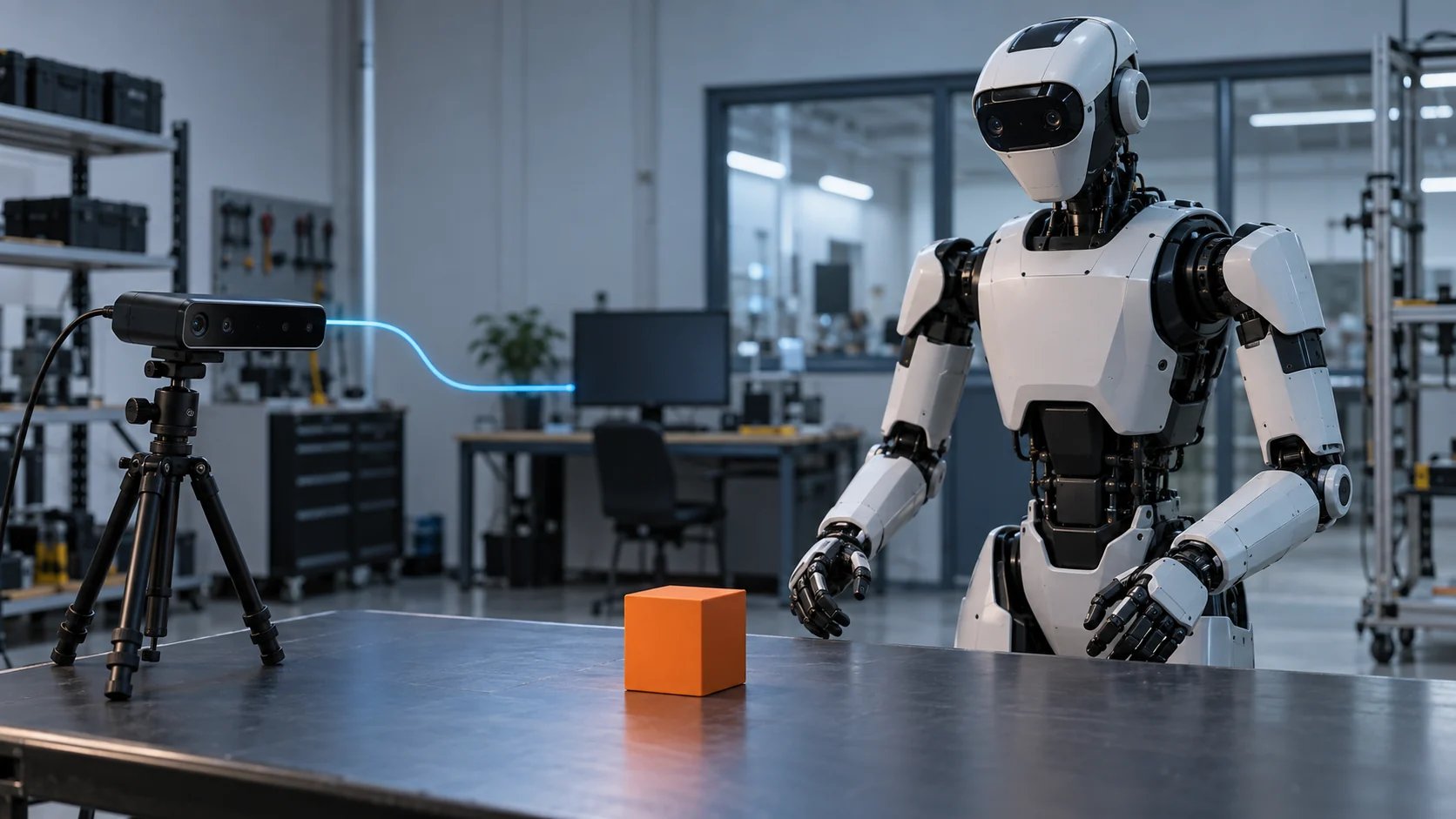
Figure: The two-node graph you build. The periodic sensor node publishes a sensor_msgs/Image; the data-triggered detector fires on each image and publishes a geometry_msgs/PoseStamped.
This guide assumes the
cerulion CLI is installed and cargo is on your
PATH. If not, follow Installation first.Build it step by step
Create and enter a workspace
A workspace is the project container that holds your nodes, graphs, and
schemas.Expected output — the second line names where the generated workspace
takes
cerulion_core and native_ros2_messages from:Create the publisher node
Create a Expected output:
sensor node with one output port named image carrying a
sensor_msgs/Image. Because it has no inputs, a source-only node must
declare a non-data trigger policy; here, a 33 ms period.The period is set with
--policy period_ms=33. Note the underscore and
the =.Create the consumer node
Create a Expected output:
detector node whose image input is a trigger (-T), so the
node fires whenever an image arrives. Give it an output named detection
carrying a geometry_msgs/PoseStamped.-T and -o each take two values in the order SCHEMA NAME. The
trigger input also sets the node’s policy to fire on that input’s data.Fill in the publisher's tick
Open
nodes/sensor/src/lib.rs and replace its contents with the node below.
Each tick stamps the image dimensions and bumps a frame counter.#[output] is the only form you need, for every schema. height, width,
and step are fixed fields written straight to shared memory; encoding,
frame_id, and data are variable-length fields, and plain assignment
works for those too.Fill in the consumer's tick
Open
nodes/detector/src/lib.rs and replace its contents with the node
below. Each tick reads the incoming frame and publishes one detection pose.Fixed fields like
pose.position.x are read and written directly. A
variable-length field is read through an accessor — self.image.data()
— because its length is only known at runtime.The
#[input(trigger)] attribute on image is what makes detector fire
on each incoming image. The node-level macro has no policy attribute
because the trigger comes from the field.Build both node crates
Compile each node into a loadable library. These commands shell out to
Expected output:
cargo.Create a graph
Create an empty graph named Expected output:
perception with an explicit topic prefix of
perception. The -n/--prefix flag fixes the prefix so the topic names
are predictable; without it, the prefix would default to your machine’s
hostname.Cerulion composes each topic name as
/{prefix}/{node_id}/{output_name}.
With the prefix perception, the sensor instance’s image output
publishes to /perception/sensor/image.Stage the nodes and wire them
Add an instance of each node to the graph. For Expected output:
detector, wire its image
input to the sensor instance’s image output with -I.-I takes two values: the input port name, then its source.
image sensor/image means “wire the image input to the image output of
the node instance sensor.”Run the graph
Run the graph. The default is live mode — the graph wakes and processes
messages as they arrive. The run continues until you stop it with On Unix, the run splits itself into one process per group for fault
isolation and offers to save that split into the graph file. Answering
Ctrl+C.n
changes nothing about the run — see
Run a graph across processes.Leave this terminal running.Watch the topics in a second terminal
Open a new terminal. Topic discovery needs no workspace. List the active
topics, then echo the one carrying images:
topic echo pretty-prints sensor_msgs/Image, so you will see the image
dimensions and encoding update as frames arrive. Stop echoing with Ctrl+C.Because you set the prefix to
perception, the topic is
/perception/sensor/image. Always run cerulion topic list first to
confirm the exact names before echoing.You should see image messages streaming in the echo terminal while the graph
runs. Your two-node graph is live:
sensor publishes images on a 33 ms period
and detector fires on each one. Press Ctrl+C in the run terminal to stop
the graph.
Next steps
Concepts
The mental model behind workspaces, nodes, graphs, topics, and schemas.
Record and replay
Record this run to an MCAP bag and re-execute your nodes against it.
CLI reference
Every command and flag, with synopses and examples.